
Maelezo
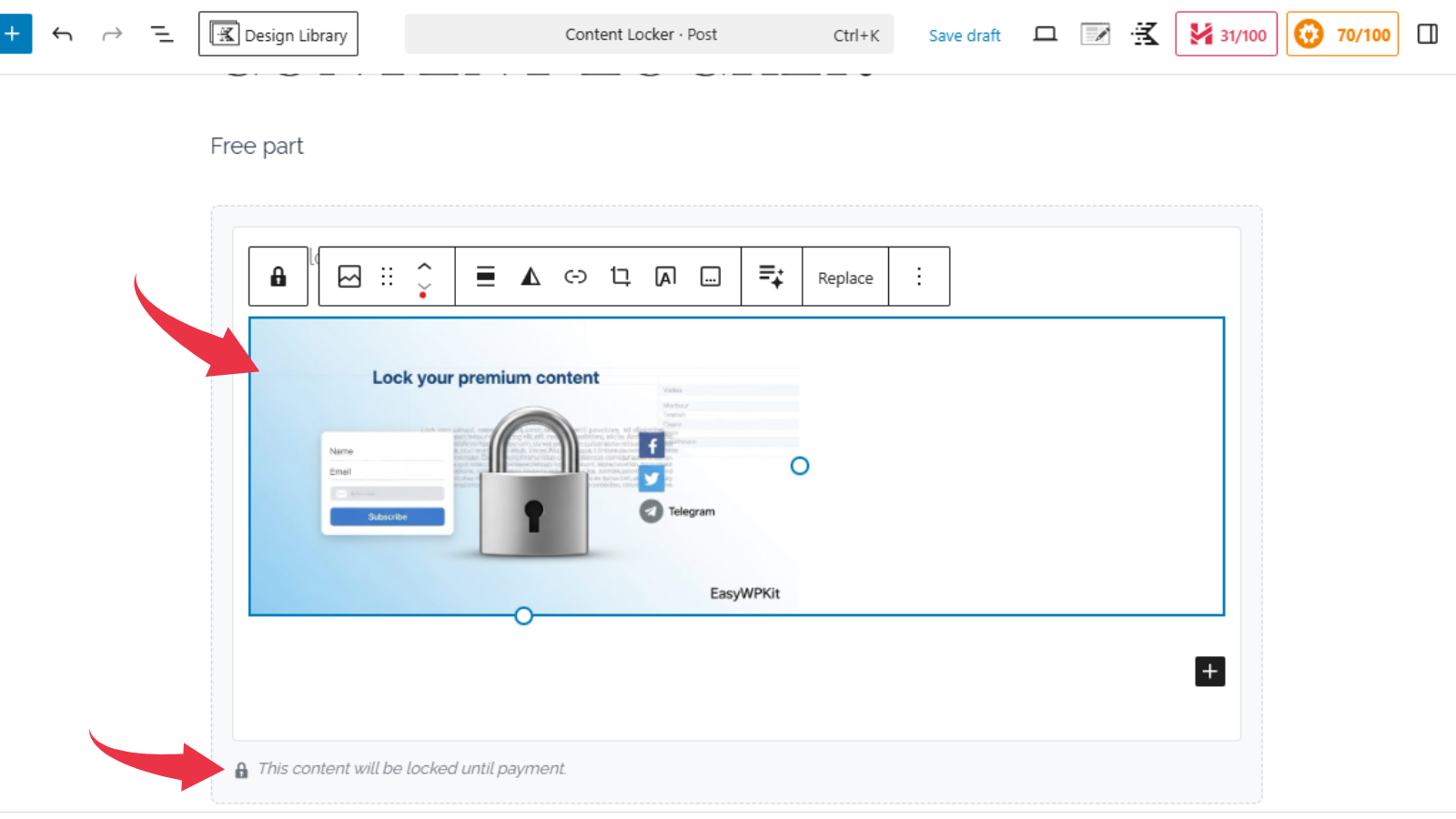
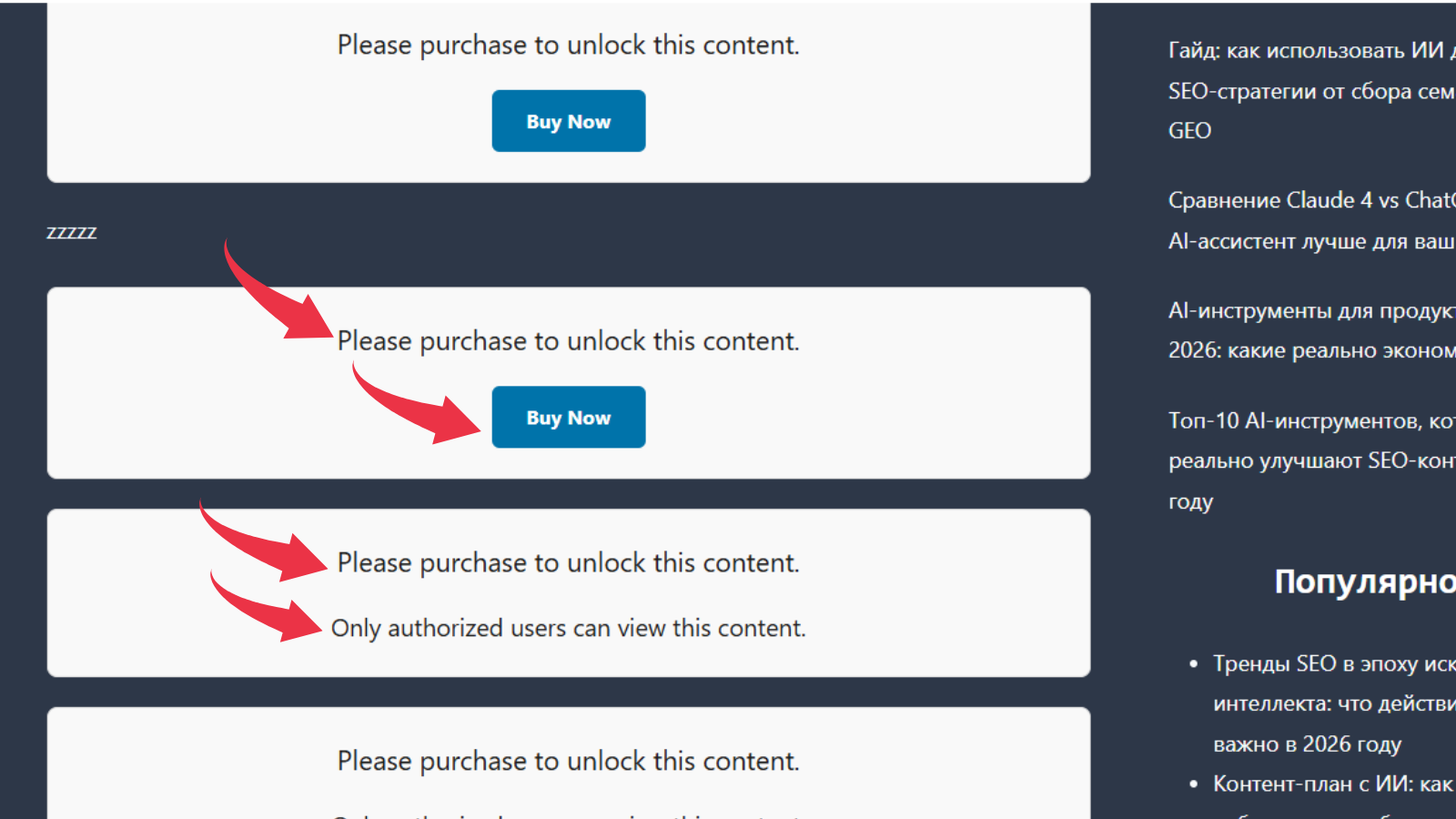
Easywpkit Paid Content Access lets you hide text, images, or videos until a visitor pays (via Stripe, PayPal, etc.) or until a logged-in user with the correct role is detected. A beautiful, customizable Gutenberg block does all the work.
Features
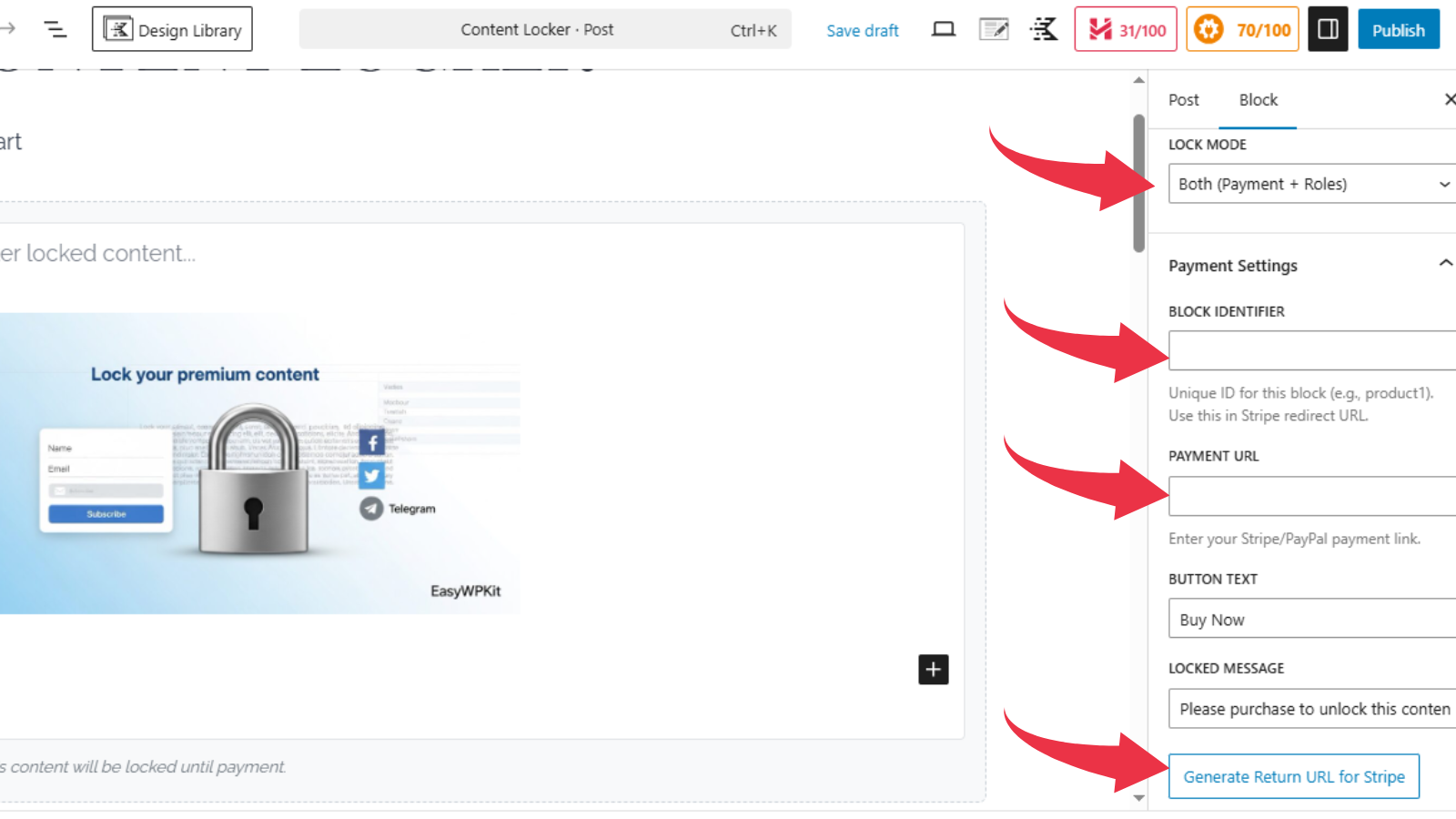
- Three lock modes: Payment, Roles, or Both.
- Automatic payment return handling.
- Cover image, typography, and button styling controls.
- Classic Editor shortcode: [ewpkcl_lock payment_url=”…” button_text=”Buy Now”]
- No usage limits or licenses required.
Screenshots
Bloku
Kijalizi hiki kinawezesha bloku 1.
- Content Lock
Installation
- Upload the plugin and activate it.
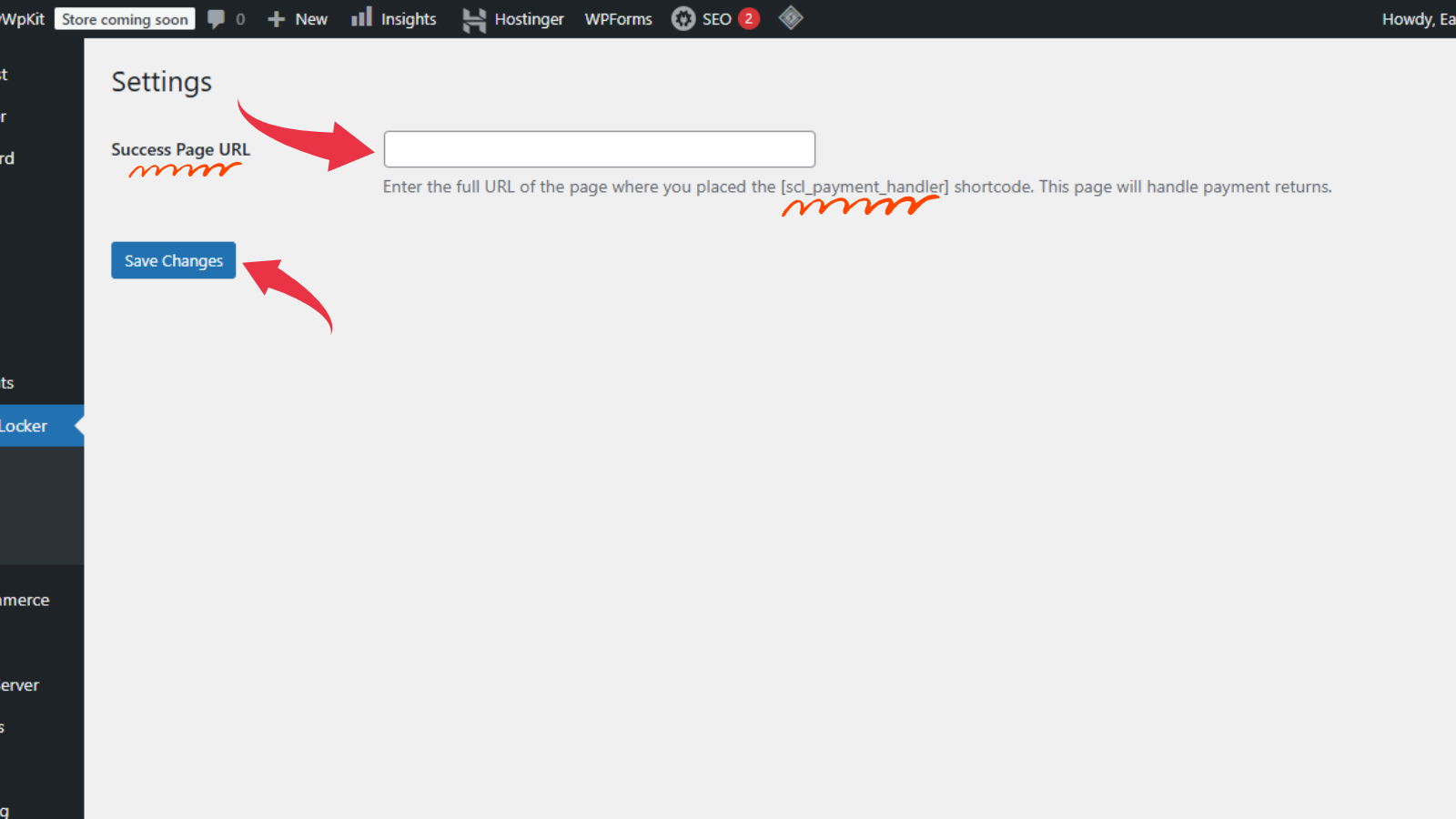
- Go to Content Lock Settings and enter the URL of the page where you placed the [ewpkcl_payment_handler] shortcode.
- Add the “Content Lock” block in the editor, configure your payment link and appearance.
FAQ
-
How to set up payment return?
-
Create a page with the shortcode [ewpkcl_payment_handler], note its URL, and paste it into Settings. Then generate the Stripe return URL inside the block inspector.
Reviews
Hakuna hakiki za programu-jalizi hii.
Wachangiaji & Wasanidi
“Easywpkit Paid Content Access” is open source software. The following people have contributed to this plugin.
Contributors
Translate “Easywpkit Paid Content Access” into your language.
Interested in development?
Browse the code, check out the SVN repository, or subscribe to the development log by RSS.
Changelog
1.0.0
- Initial release.